Restate 1.8: Mind the Queue
Restate Team
In Restate 1.7, we introduced Virtual Queues (vqueues): a scheduler that lets you steer load across your services, ensure fair access to capacity, and shape traffic with flow control rules such as concurrency limits. VQueues were opt-in and only available on fresh clusters.
With Restate 1.8, the vqueue scheduler is enabled by default. When you upgrade an existing cluster, Restate migrates its stored invocations to the new scheduler. Limits remain yours to define, but the scheduler itself is no longer in opt-in mode. The UI now also gives you detailed insight into where work is waiting and which rule or condition is blocking it.
One scheduler for all your work
Restate pushes work to your services instead of asking workers to poll a task queue. That makes it a natural fit for serverless functions, low-latency steps, and agents that run as long-lived durable processes. The tradeoff is that Restate must decide what runs next instead of relying on workers to pull at their own pace.
That is the job of the vqueue scheduler. Before an invocation runs, it considers the conditions that determine whether the work can make progress:
- Is the organization, team, or user within its concurrency limit?
- Is the target Virtual Object free, or still processing the previous message?
- Does Restate have capacity to run another invocation?
- Should resumed work go before a brand-new invocation?
Building this from separate queues, semaphores, and per-tenant workers would scatter the decision across several systems. With 1.8, every invocation passes through the vqueue scheduler, giving it the full picture to decide what can run.
Limits where the work happens
Imagine a coding agent platform, where we want to limit the number of concurrent requests per organization, team and user:
restate rules set "*" --concurrency 1000 # each organizationrestate rules set "*/*" --concurrency 100 # each team in any organizationrestate rules set "*/*/*" --concurrency 10 # each individual userWhen you start the work, you attach the organization as the scope and team/user as the limit key:
ctx.scope("acme").serviceClient(researchAgent).run(task, restate.rpc.opts({ limitKey: "growth/alice" }));Each invocation draws from the user, team, and organization budget at the same time. It waits in a virtual queue until there is capacity in all three. If the growth team needs more capacity for a launch, you can change its rule at runtime from the CLI or UI.
Scopes also namespace the identity of Virtual Objects, Workflows, and idempotent invocations. That is an important design choice, so review the flow control docs before adding scopes to an existing application. For a full walkthrough of scopes, limit keys, and rules, see the Restate 1.7 announcement.
Observing virtual queues
When invocations spend time waiting for capacity, you want to see where that time goes and which rule or condition is holding them back. Restate 1.8 adds a Flow control section to the UI for exactly that.
The walkthrough below shows how you can review the rule book, check live limit usage, and inspect the duration and invocations in a virtual queue.
Walk through rules, limit counters, and virtual queues in the new flow control UI.
The Rules view is where you create and manage flow control policies. Limit counters shows how much of each limit is in use and where work is waiting. From there, open the affected VQueue to see how long work spends queued, blocked, or running, and inspect the invocations in each stage.
This gives you a direct path from "work is slow" to the queue and policy behind it. You can adjust a rule at runtime and immediately see how that changes the flow of work.
The same answer, from the CLI
The CLI no longer expects scripts to scrape tables formatted for humans. In 1.8, restate --json returns one structured document, failures have structured error objects and distinct exit codes, and state-changing commands share a preview-before-apply flow with --dry-run and --yes.
The flow-control data behind the UI is available through CLI commands and SQL introspection tables for operators, CI jobs, and coding agents:
# All queues with their waiting, running and suspended countsrestate vqueues list --json # Which queues are blocked right now, and on whatrestate sql "SELECT id, num_inbox, blocked_on FROM sys_scheduler WHERE status = 'blocked'" --jsonA script or coding agent investigating a slow run can find the blocked queue, find the reason, and look up the matching rule, fully from within the CLI. See the full release notes for the other additions to the CLI.
Where this is heading
Concurrency limits are the first flow control primitive. We plan to add more ways to shape work through the same scopes and limit keys:
- Rate limits to control how often work is dispatched, such as how many inference calls a team can make per minute.
- Priorities to put interactive sessions or premium customers ahead of batch jobs when capacity is scarce.
- Capacity controls to protect deployments from being overloaded by the runtime.
With the vqueue scheduler, we have laid the foundation for these new flow control primitives.
We want to make durability, state, communication, and coordination feel like ordinary programming primitives. Vqueues let us set a step in that direction, by modeling application traffic via simple configuration, instead of manually stitching together queues and semaphores.
Which control would help your workload most? Tell us on Discord or Slack. Your feedback helps us prioritize what's next.
Also in Restate 1.8
Restate 1.8 also includes protocol, storage, and operational improvements. See the full release notes for the complete list, and review them before upgrading.
Upgrading an existing cluster? Restate handles the vqueue migration automatically. This release has additional upgrade requirements, so review the upgrade guide before planning your rollout.
Build with Restate
The fastest way to get started is with Restate Cloud. Try it for free and have a managed instance running in minutes. Self-hosting Restate is also fully supported; follow the quickstart guide to get started.
Restate is open, free, and available on GitHub. Try 1.8 on your use case, and let us know which other flow control knobs you would want to have. Star the project if you like what we're doing and tell your friends about it!
Keep reading
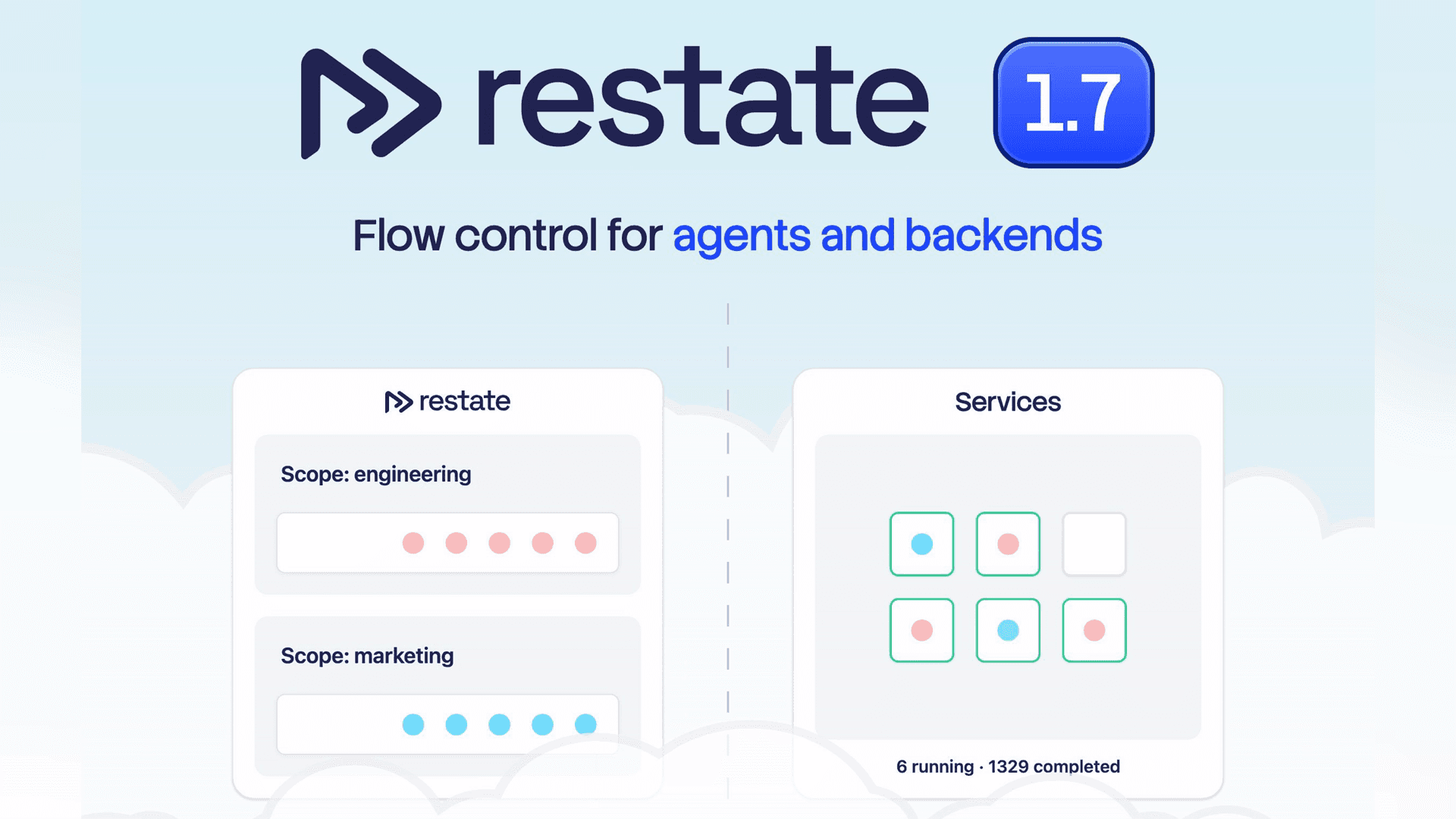
Restate 1.7: End-to-end Flow Control for your Agents and Backends
Restate 1.7 introduces flow-control primitives to protect your services, ships a new Restate UI, and revamps tracing for long-running workloads.
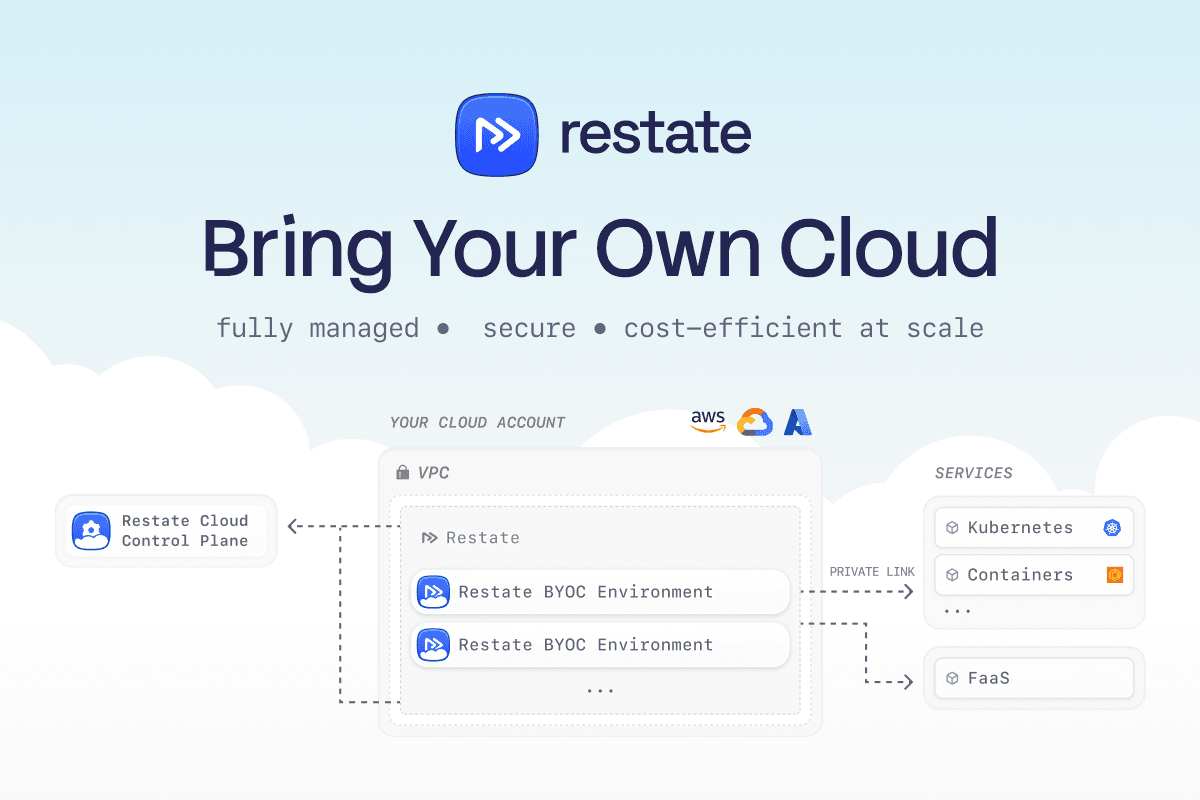
Announcing Restate BYOC
Announcing Restate BYOC: fully managed Restate deployed into your own cloud account and VPC. Private, secure, and up to 10x cheaper at high volumes.

Restate Cloud: SOC 2, Enterprise SSO, and HIPAA
Restate Cloud adds SOC 2 compliance, enterprise SSO, RBAC, client-side encryption, and HIPAA support for security and compliance.